Kart To Formula Controls
PC, mobile, and console inputs for drift sparks, nitro, rocket starts, and clean camera work.
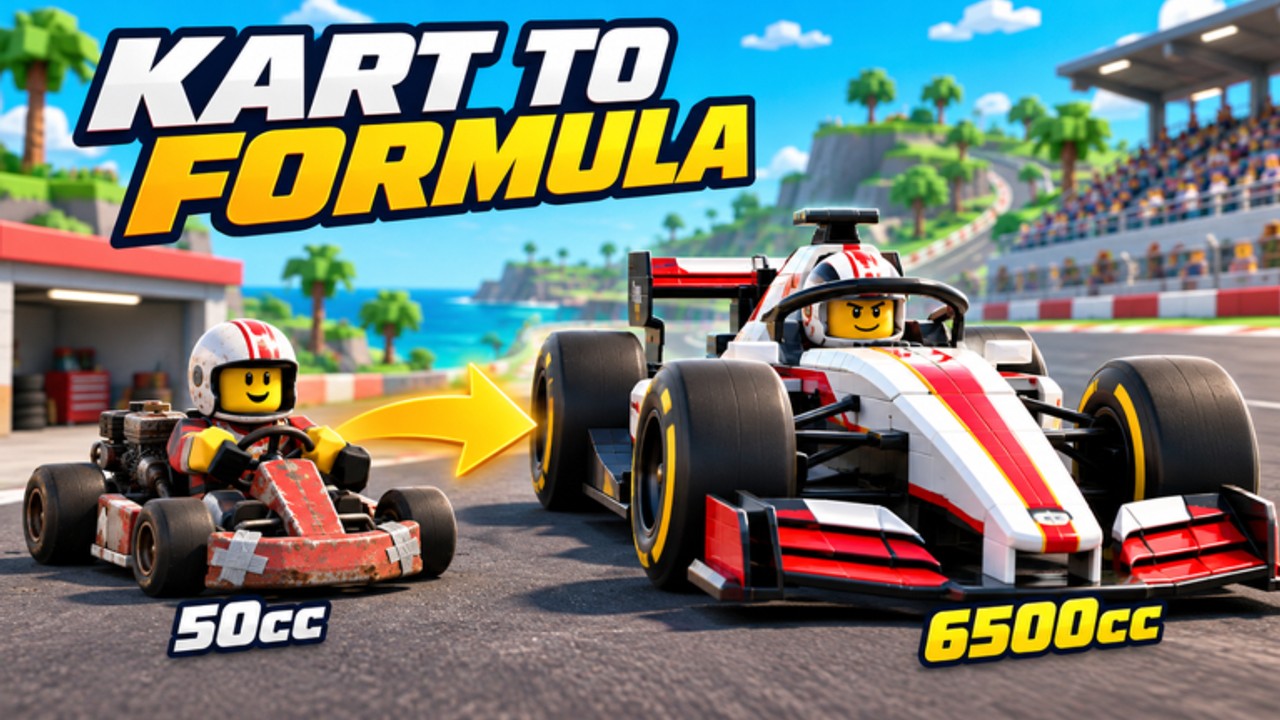
Clean inputs separate a rusty 50cc tourist from an Amateur League regular in Kart To Formula. This controls guide covers accelerate, brake, steer, drift, nitro, and camera across PC, mobile, and console, then explains rocket start timing and how slipstream fits your button habits. Pair it with Getting Started if you are brand new, and with Racing Techniques once the bindings feel automatic.
Infinity Seekers Studio built a progression racer, not a button-mash demo. Every league step — Amateur, 125cc Kart, Shifter Kart, and the formula classes — rewards the same fundamentals: hold speed where the car is planted, release drift into boost sparks, spend nitro on exits, and launch with a timed rocket start. Fair racing means you cannot lean on collision spam, so your fingers have to do the work.
Core actions every platform shares
Regardless of device, learn these verbs first:
- Accelerate — Primary forward drive. Hold through most corner exits; lift only when the rear steps out beyond your steering correction.
- Brake — Controlled speed kill before a tight apex. Trail lightly rather than stabbing full brake mid-corner unless you are already committed to a mistake recovery.
- Steer — Smooth inputs beat yanking. On SPEED setups you need earlier steering; on GRIP setups you can rotate a little later. See SPEED vs GRIP and the setups tier list for when each philosophy wins.
- Drift — Initiate with the drift control while turning. Watch for boost sparks that signal a charged exit boost. Releasing into a straight or open exit converts that charge into pace.
- Nitro — Manual boost spend. Best on straights or immediately after a stable exit. Dumping nitro mid-slide usually widens the car and costs more time than it gains.
- Camera — Keep the horizon readable. Chase cameras help with spatial awareness in packs; hood or closer views help with apex precision once you know a track.
PC defaults and habits
On keyboard, expect familiar WASD or arrow steering with a dedicated drift key (often shift or space depending on your bind screen — confirm in-game settings). Bind nitro somewhere you can hit without releasing steer, such as a thumb-adjacent key or mouse side button if you use one. Avoid steering with abrupt taps; feed angle in as load builds so drift sparks charge instead of snapping into a spin.
Mouse look, if available, should stay subtle. Many racers do better locking a chase camera and using only the steer axis. If you race on a controller connected to PC, prefer the console habits below — analog steering almost always beats digital keyboard for formula classes where small corrections matter.
Practice a single corner loop: brake marker, turn-in, hold drift until sparks look ready, release, tap nitro once the wheel is mostly straight. Repeat until the sequence is one motion. That loop transfers from 50cc through Shifter Kart and into Junior Formula.
Mobile touch layout
Mobile players should open settings early and enlarge steer and drift controls if the UI allows. Fat-finger misses ruin rocket starts and nitro windows. Consider:
- Lower camera sensitivity so chase view does not whip during bumps.
- Keeping throttle on an easy hold zone; many mobile racers prefer auto or semi-auto accelerate patterns if the game offers assist toggles — use assists only until muscle memory arrives, then disable what blocks precise lifts.
- Placing nitro on the opposite thumb from steer so you can boost without breaking a drift hold.
Play in landscape with stable Wi-Fi. Input delay on mobile is the silent Amateur League killer; a clean network beats a flashy setup. When you graduate to Weekly Time Trial attempts, wired or strong Wi-Fi on PC/console is still ideal, but mobile can absolutely clear early leagues with disciplined touches.
Console and controller
Controllers shine in Kart To Formula because steering is analog. Map accelerate and brake to triggers if that is the default, and keep drift on a bumper you can hold through a long corner. Nitro belongs on a face button or the opposite bumper so you can pulse it without releasing drift early.
Deadzone tweaks matter once you reach formula cars. Too large a deadzone makes micro-corrections late; too small makes the car nervous on straights. Adjust gradually after a few Server Showdowns, not mid-promotion race. Vibration can help you feel traction loss, but turn it down if it masks audio cues for slipstream or rival proximity.
Rocket start timing
The rocket start is free time at every grid drop. The exact cue is visual and audio in-game: watch the countdown lights or start prompt and hit accelerate (and any dedicated boost confirm the UI shows) in the timing window that fires the launch boost. Going early usually dumps the boost or boggs the start; going late leaves you watching the pack.
Drill rocket starts in low-stakes races before Daily Cup or promotion events. Consistency beats gambling. Once the start is reliable, your first corner plan should be survival: take a safe line, charge an early drift boost, and only then look for slipstream passes on the following straight. League Promotion podiums often come from clean launches plus zero spins, not from hole-shot heroics that end in the wall.
Slipstream and your hands
Slipstream is a positioning skill with a controls consequence. Stay behind a rival on a straight to gain tow, then steer out and tap nitro as you pull alongside. If you mash nitro while still fully tucked, you may hit them and break both runs — fair racing softens punishment, but you still lose exit shape. Practice the sequence: hold line in tow → small steer to clear → nitro pulse → defend the inside into the next brake zone without over-slowing.
Camera, HUD, and accessibility
Learn where the nitro meter, drift spark feedback, and position HUD live so you are not hunting UI mid-corner. Colorblind or high-contrast options, if present in settings, help spark readability. On shared devices, save a control preset name mentally (“grip practice” vs “speed attack”) when you change assists or camera between class swaps.
Practice plan tied to progression
- Ten minutes of rocket start reps in casual races.
- Ten minutes of drift-spark exits on one technical track.
- Ten minutes of slipstream passes on a long-straight layout.
- One Amateur or Daily Cup session applying all three without changing upgrades mid-block.
When inputs feel boring, you are ready for Racing Techniques and for reading World Ranking goals. Controls mastery is the foundation under every Cash grind, Season Pass challenge, and formula unlock in Kart To Formula.
Frequently Asked Questions
Quick answers for codes, setups, and league climbs.
What are the most important Kart To Formula controls to learn first?
Accelerate, steer, drift for boost sparks, and nitro on exits. Add reliable rocket start timing before you chase ranked cups.
Is controller better than keyboard?
Analog steering on controller or gamepad usually helps at formula classes. Keyboard works for early leagues if your drift and nitro binds are comfortable.
How do I improve rocket starts?
Practice the countdown window in low-stakes races until the launch boost is repeatable. Avoid early bog and late throttle.
When should I use nitro?
Spend nitro on straights or stable corner exits. Avoid dumping it mid-slide when the car is still rotating.
Do mobile players need different settings?
Enlarge touch targets, lower camera sensitivity, and use stable network. Keep nitro reachable without breaking your drift hold.